Automate the repetitive.
Keep everything else running.
ProductiveYarn records repetitive desktop tasks and replays them on demand, and keeps your machine awake during long downloads, renders, and exports.

Keep downloads running
Hold long downloads and syncs without the screen sleeping halfway through.
Prevent sleep during renders
Keep your machine awake through renders, exports, and other long jobs.
Automate the repetitive
Record a task once, replay it on demand, and stop doing the same thing twice.
Features
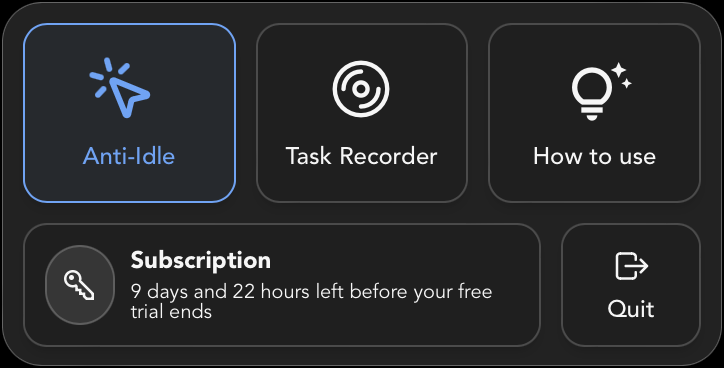
Stay Active
Keep your machine awake and active during long downloads, renders, and exports. Stay Active runs light background activity so your screen and session never drift idle mid-job.
By default, Stay Active (ctrl + shift + e) will perform gentle mouse movement, clicks, tab and window switches.
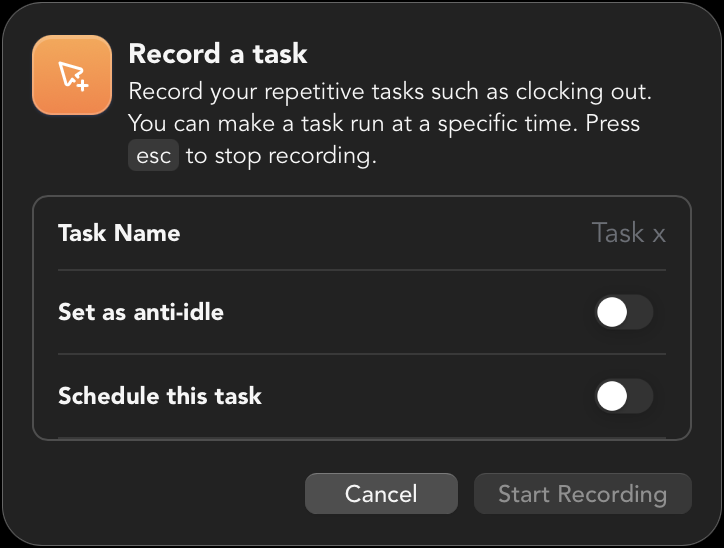
Record once, automate forever
Capture a repetitive task by recording actions like switching tabs, typing, or clicking. Save it as a reusable automation, or set it as your default Stay Active task to match your own pace.
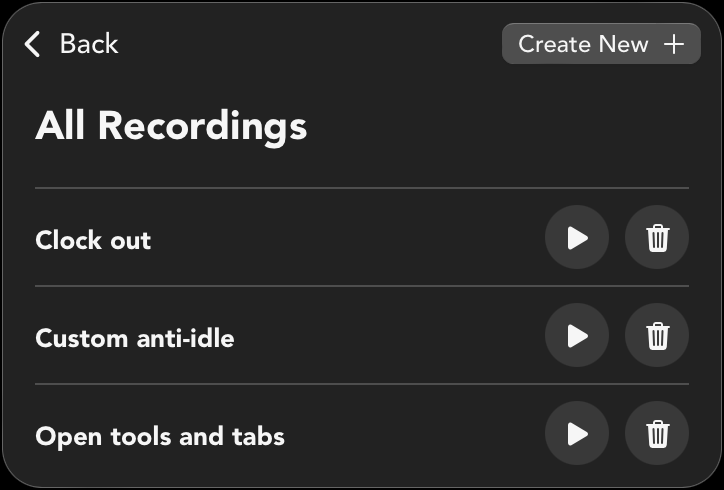
Replay tasks with one click
Stop wasting time on repetitive tasks. With Task Recorder, you can effortlessly capture every click, keystroke, and action, then play it back whenever you need.
What people say
I finally won't have to worry about my productivity. Thank you, sir!
May additional steps lang after downloading, pero super worth itonce na setup na.
Because of this may time na ako for my family especially for my newborn
Palagi kong natatapos yung work ko ng maaga, kaso di ko pa maiiwan yung pc ko dahil sa time tracker. Ang laking tulong nito dahil pwede ko nalang hayaan dahil sa anti-idle.
Masyadong mataas yung productivity % luckily tinulungan ako ni sir na gumawa ng sariling anti-idle na same lang sa pace ko sa work, kinonfigure ko nalang na mag rerepeat yung recording para mag act siya as cutomized anti-idle
The process of setting it up was a bit rough but the creator was really helpful, keep up the good work!